 Sindh Youth CardRegistration File
Guide
Sindh Youth Card Login Problems: Fixes That Help
Sindh Youth Card login failures fixed in order: retyping, recovery, cache, and clean reinstall, without creating a duplicate account.
By Bilal Ahmed, Programme Reviewer and APK Tester
The Symptoms
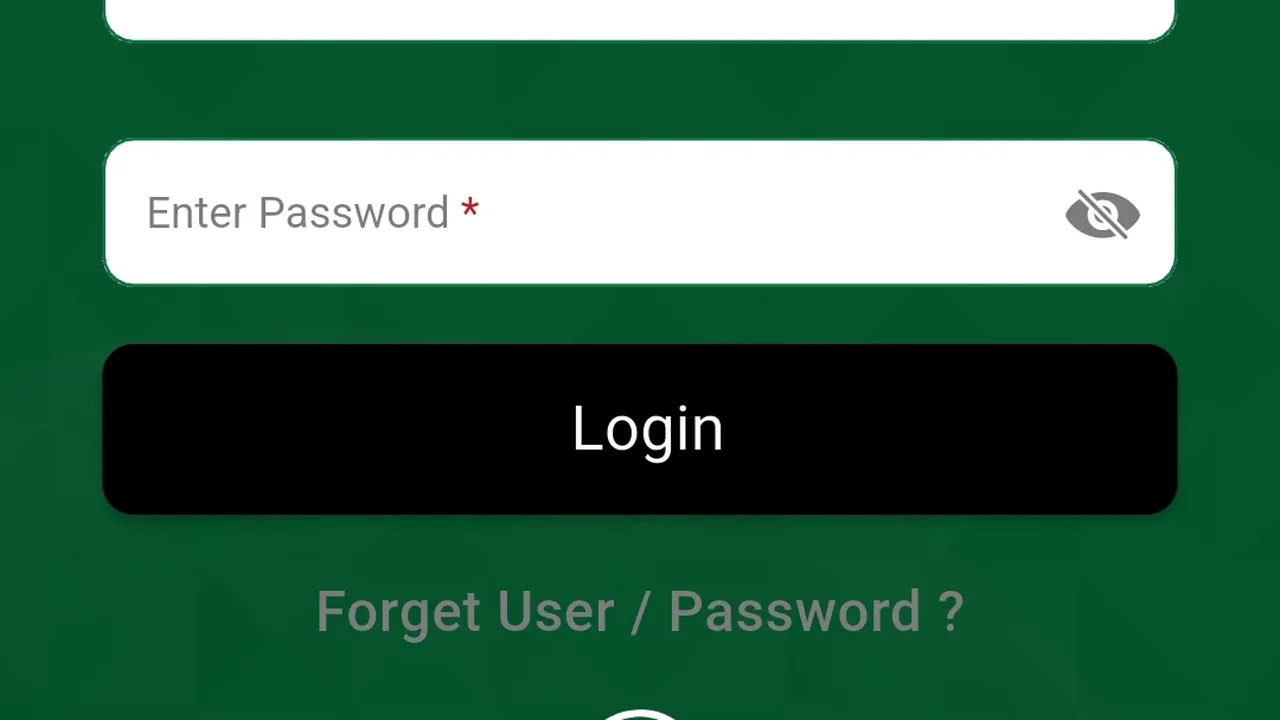
Login problems with the Sindh Youth Card app usually show up in one of three ways: the login screen rejects details you are sure are right, the forgot-details option does not arrive, or the app signs you out and will not sign you back in. The login screen itself shows a forgot user and password option, which is the recovery path the app provides, so start there rather than reinstalling.
Before changing anything, check the basics: the mobile number and password are entered exactly as registered, the connection is stable, and the keyboard has not added a space or changed a character. A surprising number of login failures are a single mistyped character or an auto-capitalised first letter, and a careful retype fixes them in seconds.
The Fix Order
First, retype the details slowly with the password visible, if the app allows it. Second, use the forgot-details option and follow the recovery steps with the mobile number you registered with. Third, clear the app cache and restart the phone, then try again. Fourth, reinstall cleanly from the Sindh Youth Card download page and sign in with the same details, not a new account.
A new account is the wrong fix for a login problem: it creates a duplicate record and loses the original registration. The registration guide covers the original flow, and the PIN and MPIN guide covers the separate case of a forgotten PIN, which is not the same as a forgotten password.
When to Contact the Programme
Contact the programme through the official channels if recovery does not arrive, the account appears locked, or the app rejects details that recovery confirms are correct. The helpline guide lists the email, phone, and helpline, and the facts to include: the step, the exact message, and what you already tried.
Never share your password or PIN with anyone offering to fix the login for you, and never pay anyone for account recovery. The portal versus app guide explains how to confirm you are dealing with the real programme, and official recovery never asks for payment or for your PIN.
Frequently Asked Questions
Answers to the questions applicants ask most about the card and the app.
Why will the Sindh Youth Card app not accept my login?
Usually a mistyped character, a stale session, or a cache problem. Retype carefully, use the forgot-details option, then clear cache and restart.
Should I create a new account if login fails?
No. A new account creates a duplicate record and loses the original registration. Recover the existing account instead.
What if recovery does not arrive?
Contact the programme through the official email, phone, or helpline with the step, the exact message, and what you tried.