 Sindh Youth CardRegistration File
Guide
Sindh Youth Card Registration: Step by Step
Register for the Sindh Youth Card through the official app: create your account, verify your identity, and choose your card type.
By Bilal Ahmed, Programme Reviewer and APK Tester
Before You Start
Registration for the Sindh Youth Card runs through the official app, and the smoothest registrations are the prepared ones. Sindh Youth Card APK recommends gathering three things before you open the app: your identity number, an active mobile number you control, and, for under-18 applicants, a parent or guardian's CNIC details. Having them ready turns a stop-start process into a single sitting.
Check the phone itself too. The app needs a stable connection and enough free storage to install and run, and biometric verification needs a working front camera in decent light. A registration attempted on a nearly full phone or a weak connection is the registration most likely to fail halfway, and halfway failures waste more time than the preparation ever would.
Registration, Step by Step
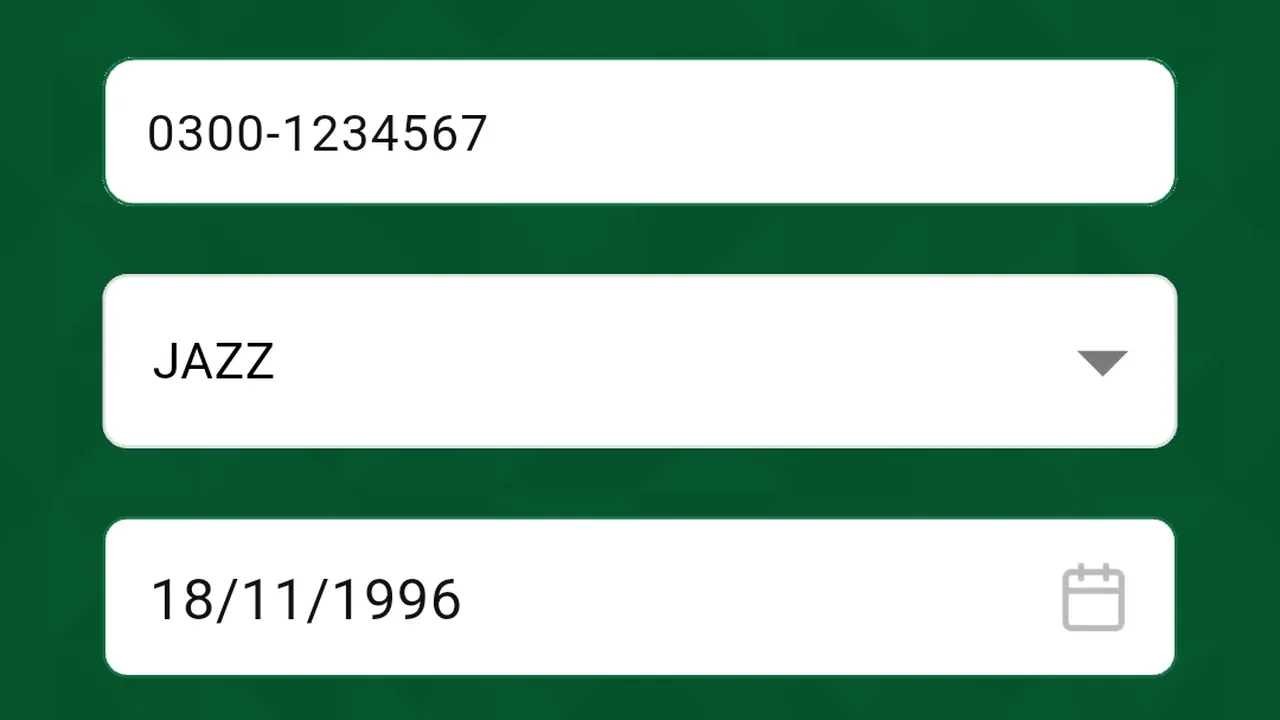
Open the app and choose Create Account. Enter your email and mobile number, your date of birth, and your CNIC or B-Form number, choosing the identity field that matches your age. Agree to the terms shown, then move to the verification step, where contactless NADRA biometric verification confirms your identity for adult applicants.
Once verification passes, the app shows the card-choice screen. Pick the card type that matches the applicant: the Z Current Account Card for adults, or the Minor Account Card for under-18 applicants. The screen states the account opens in 10 minutes. Complete the choice, set your login details, and check the dashboard: Apply for Youth Card, Digital Wallet, Discount Universe, and the education and jobs sections should all be visible.
After Registering
Do not stop at the dashboard. Open each section once so you know where things live: the card application, the wallet, the discounts area, and the profile settings where the login PIN and transaction MPIN are set. A five-minute look around now saves a confused search later, when you actually need a discount code or a job listing in a hurry.
If any step failed, note exactly where and what the app showed, then check the NADRA verification guide or the login problems guide, which cover the reported issues in the order that resolves them. Do not share your CNIC number, password, or PIN with anyone offering to register on your behalf.
Frequently Asked Questions
Answers to the questions applicants ask most about the card and the app.
How do I register for the Sindh Youth Card?
Registration runs through the official app. Create an account with your identity and mobile details, complete verification, and choose your card type.
What do I need before registering?
Your CNIC or B-Form number, an active mobile number, and, for under-18 applicants, a parent or guardian's CNIC details.
How long does the account take to open?
The app's card-choice screen states the account opens in 10 minutes.